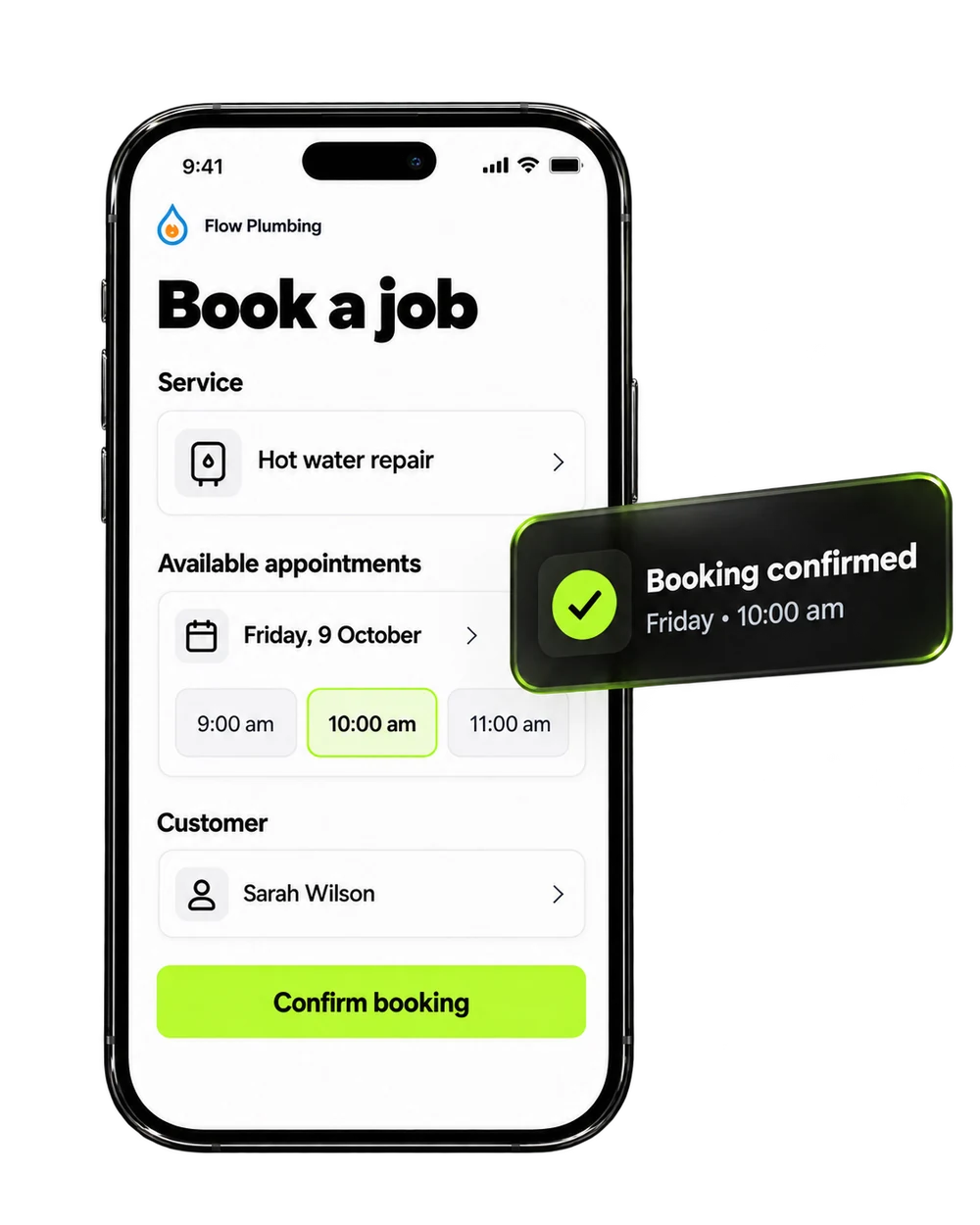
Real-time availability
Show bookable times based on your team and service rules.
Let customers book online while confirmations and reminders happen automatically.
Let customers choose an available time, receive confirmation and reminders, and enter the right follow-up journey automatically.
● CONNECTED AND ACTIVEShow bookable times based on your team and service rules.
Send confirmations and timely reminders automatically.
Attach every booking to the right customer and opportunity.
Let customers book online while confirmations and reminders happen automatically.
Define hours, appointment types, buffers and team calendars.
Add booking links to your site, messages and campaigns.
Confirm, remind and follow up without manual admin.
Make booking easier for customers and keep your team prepared. Choose a customer moment and explore what happens next.
Interactive example using sample customer data.
Calendars & Appointments works best when the details, people and next steps are connected. Explore the practical capabilities that support your team every day.
Give customers a practical way to request or choose an appointment without unnecessary back-and-forth with your team.
Included in your connected platform →Attach appointments to customer records so relevant contact details, conversations and previous history remain easy to find.
Included in your connected platform →Help customers understand what they booked, when to expect the appointment and what practical information they may need.
Included in your connected platform →Reduce the need for manual chasing by organising reminders around the timing and requirements of the appointment.
Included in your connected platform →Set up booking experiences around the types of appointments, team availability and practical service rules relevant to your business.
Included in your connected platform →Keep upcoming appointments and the related customer journey visible so sales and operations can coordinate more clearly.
Included in your connected platform →Explore practical ways Calendars & Appointments can support the customer moments that matter.
A homeowner is ready to discuss installation but wants a convenient time.
Guide the customer towards an appropriate booking and connect the appointment with the existing enquiry.
The consultation arrives in the team’s calendar with customer context already attached.
Select a step to see how Calendars & Appointments supports a clear, connected customer experience from the initial moment to the next action.
Website enquiry creates a clear starting point in Calendars & Appointments.
Adjust the example inputs to see how many customer moments may not currently have a consistent process. This is an illustrative planning tool, not a performance prediction.
Out of 120 monthly booking enquiries, around 78 are already covered by the process you selected.
Connect this feature with the rest of Brandroof to create a smoother experience for your customers and a clearer process for your team.
Practical answers to common questions about using Calendars & Appointments in your business.
Ask the Brandroof team →An online booking journey can remain available when your staff are away, helping customers take the next step at a time that suits them.
Yes. Your appointment journey can include practical confirmation and reminder messages based on the way your business communicates.
Appointments are more useful when they remain attached to the relevant customer, enquiry and wider conversation history inside Brandroof.
Booking experiences can be organised around appointment types, team availability and practical business rules that suit your services.
Book a Brandroof demo and explain how your business currently handles booking enquiries. The team can help you explore a setup that suits your services, customer journey and existing priorities.
Calendars & AppointmentsMake booking easier for customers and keep your team prepared.
Connect your customers, conversations, marketing and payments in one practical business platform.