Business call
Keep the request with the customer record.
Bring business calls closer to the customer record. Keep conversations, notes and follow-up together so your team has a clearer next step.
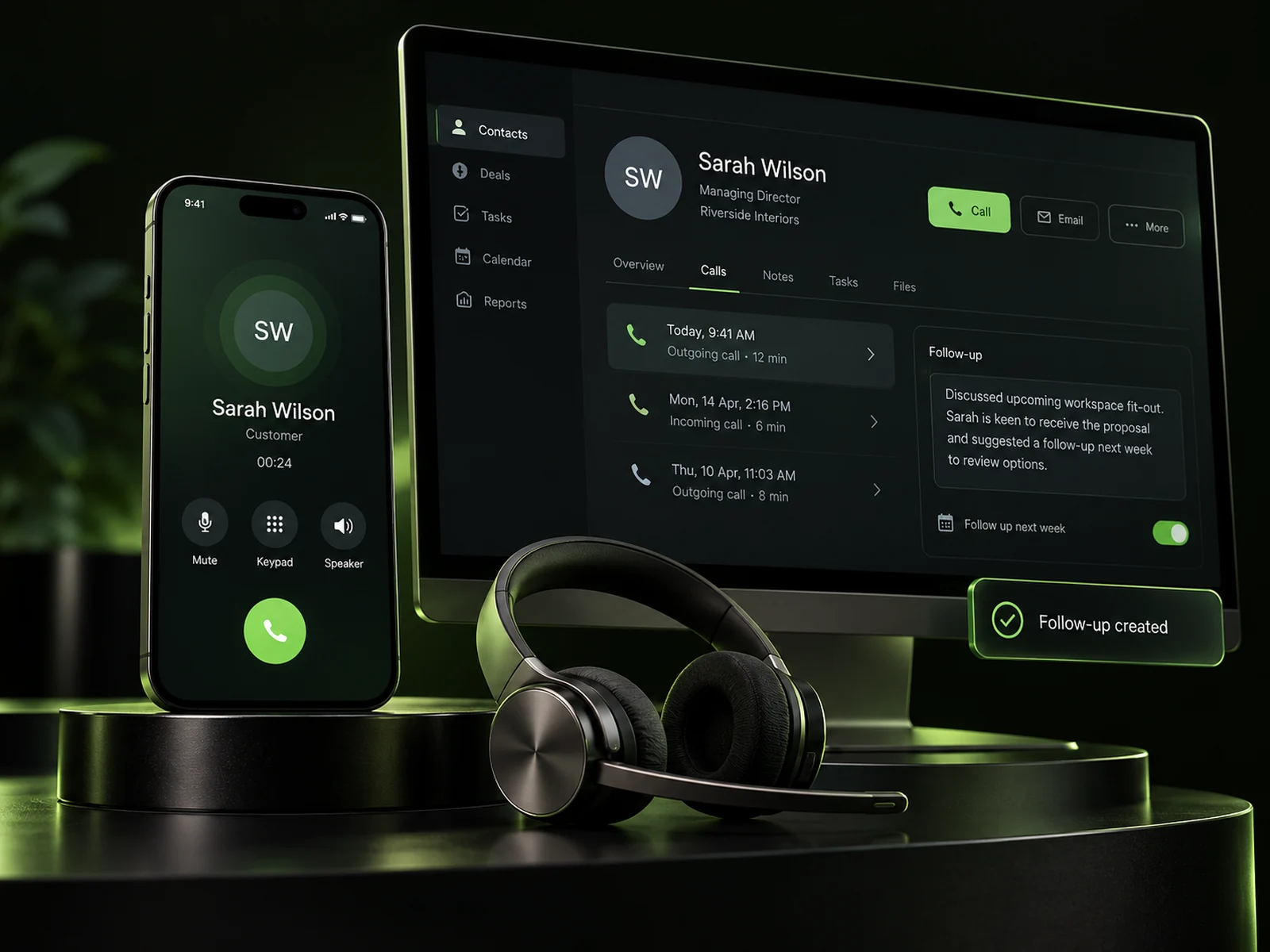
Calls are part of the customer journey. Keep the details your team needs close to the conversation, with organised records and a practical way to follow through.
Explore illustrative call-handling scenarios for enquiries, existing customers and follow-up.
New enquiry
Keep the request with the customer record.
New service enquiry. Customer is asking about availability next week and would like a quote.
Prepare quote follow-up
Owner: your service teamCapture what the customer needs, attach useful details to their record and give the follow-up a clear owner.
Illustrative concepts, not a live calling interface. Messages, actions and availability depend on your configuration.
Keep the customer, the message and the next action working together.
Bring business calling alongside the customer records and conversations your team uses.
Calls & contactsKeep the details of the request and agreed next steps attached to the customer journey.
Notes & historyGive follow-up tasks an owner so the conversation can continue with context.
Ownership & tasksMove from the conversation to a relevant quote, appointment or opportunity.
Enquiries & actionsBring the conversation into the wider customer journey. Your team can organise the details and follow-up around the person behind the call.
Explore Brandroof CRMUnderstand the customer’s request and the outcome they’re looking for.
Keep useful contact information and notes with the customer record.
Give the next action a clear owner and update the enquiry as it progresses.
Choose the phone setup around your team and the way customers reach you.
Discuss numbers, team needs and the way calls should fit your business.
Check the number options, calling features and costs available for your region and account.
Organise records, team responsibilities and the relevant follow-up process.
Test the configured call journey and confirm that your team understands the next steps.
Let’s talk through your numbers, team and customer journey to find the right business phone setup.
Have a specific question? Talk to our team.
Brandroof brings business calling alongside customer information and follow-up. The available call features and contact matching depend on your phone setup.
Number transfer and forwarding options depend on your provider, region, number type and account. We’ll check the available options before you change your current service.
We can discuss your team, responsibilities and the calling setup available for your account. Routing and access options are confirmed during setup.
Business calling and Voice AI are different parts of the customer experience. If you want an AI-assisted phone journey, we can discuss the Voice AI Employee separately.
Number rental, call usage and other phone features may have separate costs. Availability and pricing depend on your region and configuration; we’ll clarify the setup before you begin.
Connect your customers, conversations, marketing and payments in one practical business platform.