Collect useful details
Ask for contact information, the service needed and the details that help your team respond.
Collect the details your team needs, bring them into Brandroof and give each enquiry a clear next step.
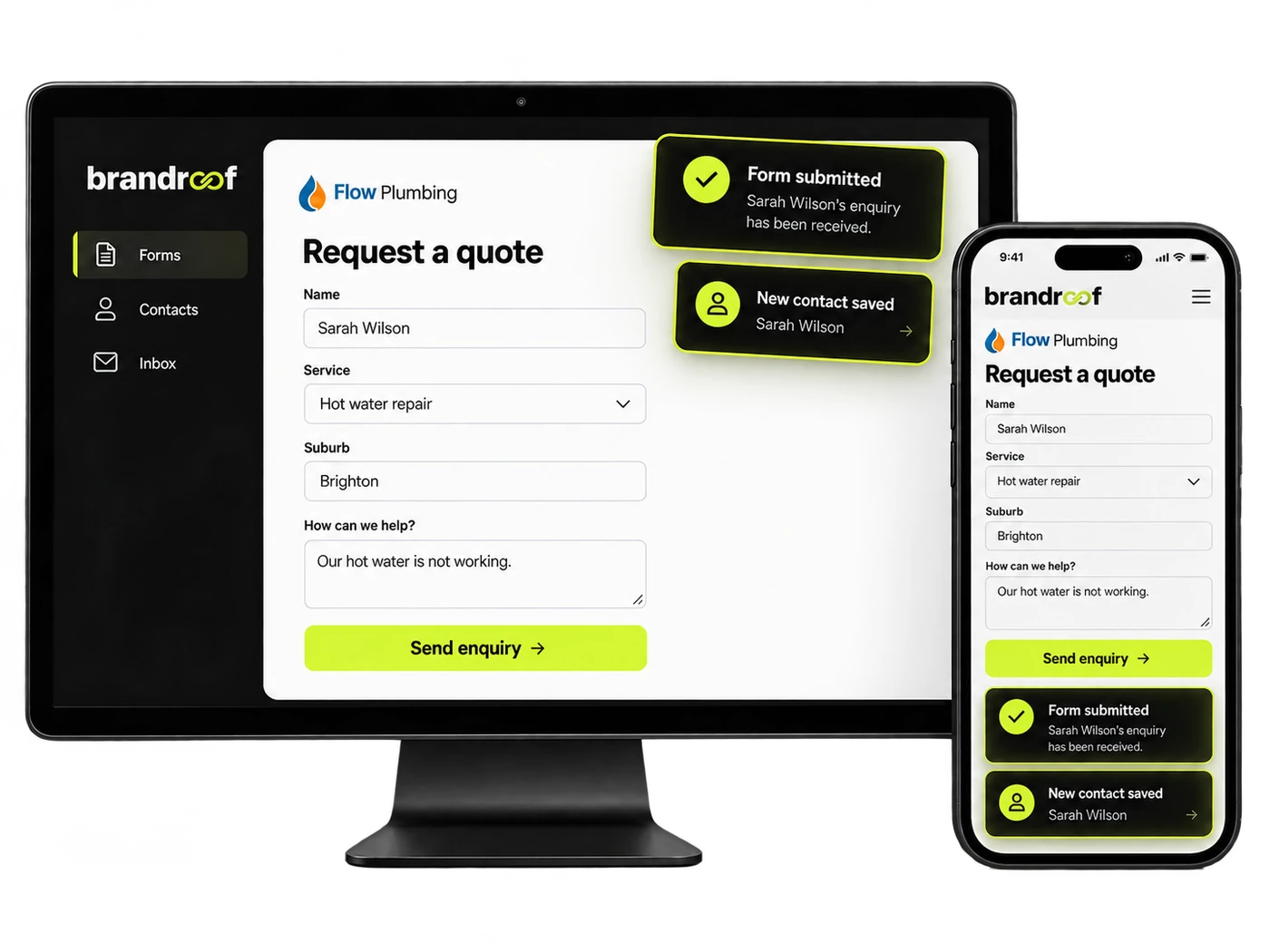
Give customers an easy way to get in touch without making your team chase the basics.
Ask for contact information, the service needed and the details that help your team respond.
Bring submitted information into a customer record so it’s ready for the next conversation.
Set up team notifications and follow-up around the way your business works.
Keep the form short enough for customers to finish, with questions that are useful for your service.
Collect the service, location and a short description of the job.
Ask for the details your team needs before arranging a time.
Gather the relevant preferences or job details in one connected place.
Let customers know their form has been received and what happens next.
Choose a step to see how the details stay connected.
Sarah fills in the quote form with her contact details and hot water repair request.
Our hot water isn’t working. Can you call me about a repair?Illustrative example. Connections and automatic actions depend on your setup. This does not submit a form or send a document.
Start with the details that help your team act, without asking for more than you need.
Add it to the relevant website or landing page where customers are ready to enquire.
Check where submissions go and configure any team alerts or automatic replies.
Keep the relevant information attached to the customer.
Explore CRMPick up the conversation with the details already available.
Explore One InboxGive potential jobs a clear owner and next action.
Explore OpportunitiesYes. Connected submissions can create or update customer details in Brandroof, depending on your setup.
Yes. Organise the form around relevant customer information, service requests and business-specific fields.
Yes. Place the form in the page that matches the service, offer or campaign.
Notifications and automatic acknowledgements can be configured for your enquiry journey.
Forms can be designed for phones and larger screens, with clear fields and useful labels.
That depends on your workflow. Set up opportunities or follow-up actions where they suit your business.
Connect your forms, customer records and follow-up with Brandroof.
Connect your customers, conversations, marketing and payments in one practical business platform.