Send the right document
Prepare the agreement with the customer and service details in place.
Prepare documents, request a signature and keep the completed agreement connected to the customer and the job.
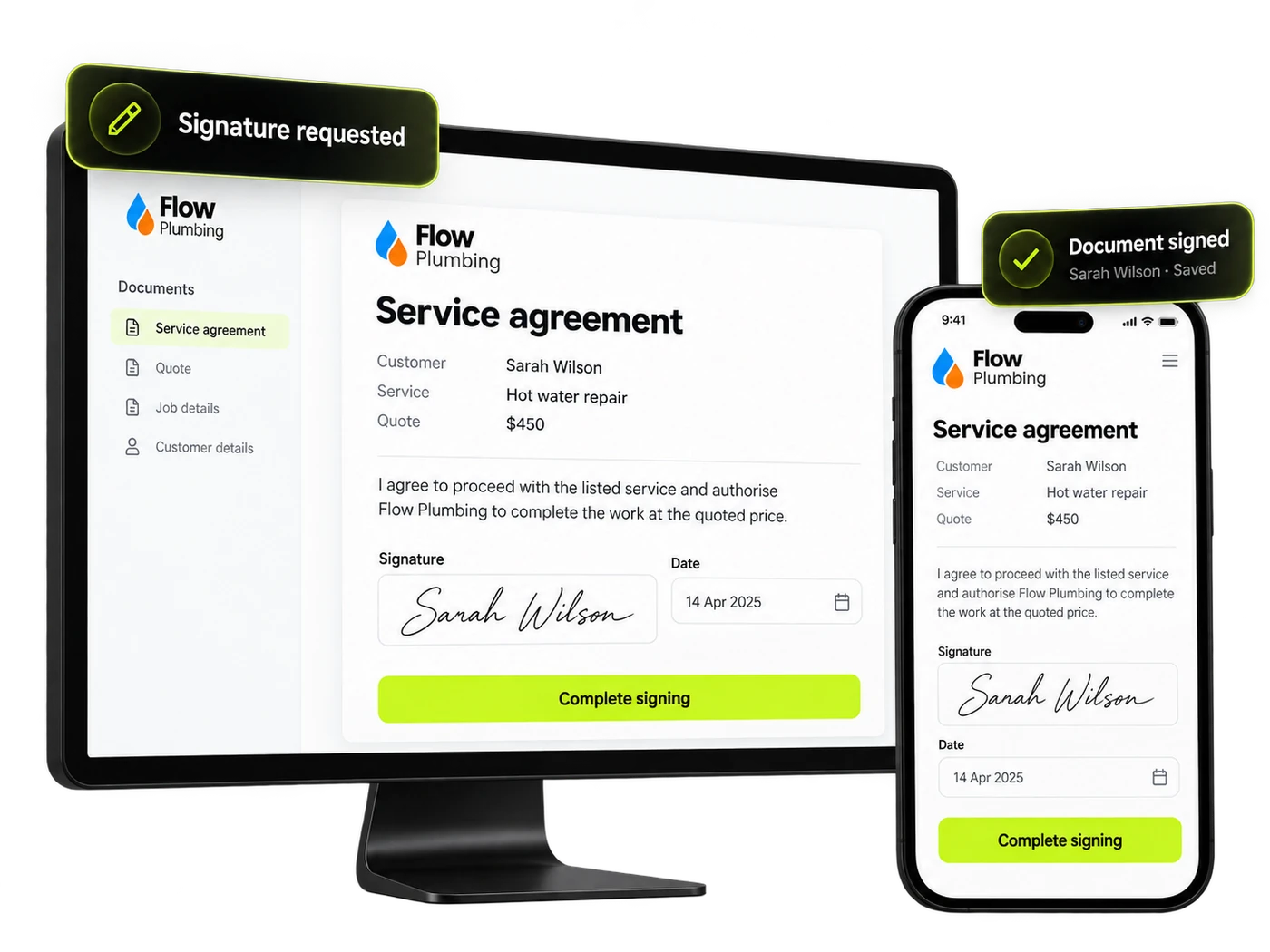
Give customers a practical way to review and sign, and give your team a clear view of what still needs attention.
Prepare the agreement with the customer and service details in place.
Keep signature requests and completed documents organised for your team.
Save the completed agreement with the relevant customer so it’s easier to find.
Keep the document journey connected to the conversation, so the team has useful context before and after signing.
Present the agreed service and relevant customer details clearly.
Give the recipient a chance to read the document before completing it.
Organise who needs to sign and the fields they need to complete.
Keep signed copies organised with the right customer and service history.
Choose a step to see how the details stay connected.
Prepare Sarah’s service agreement for the hot water repair and check the information before sending it.
Sarah Wilson · Hot water repair · Quote $450Illustrative example. Connections and automatic actions depend on your setup. This does not submit a form or send a document.
Choose the right document and check the customer, service and agreement details.
Organise the required recipient fields and review the document before sending.
Follow the signing journey and keep the completed copy with the customer.
Keep the relevant information attached to the customer.
Explore CRMPick up the conversation with the details already available.
Explore One InboxGive potential jobs a clear owner and next action.
Explore OpportunitiesUse it for suitable customer agreements and documents that need review and a signature.
The signing journey can be accessed from a phone or desktop, with the document configured for the recipient.
Yes. Keep completed documents organised alongside the relevant customer and job information.
Your team can keep track of signature requests and completed documents in the signing workflow.
Prepare documents with the relevant customer and service information, and check it before sending.
Use the document’s progress as part of your customer journey. Automatic next steps depend on your setup.
Bring documents, signatures and customer records together with Brandroof.
Connect your customers, conversations, marketing and payments in one practical business platform.