01
Business listings
Bring your name, contact details, hours and service information into line across the profiles that matter to your business.
Name · Contact · HoursMake your business easier to discover with accurate listings, useful website content and a clear path from search to enquiry.
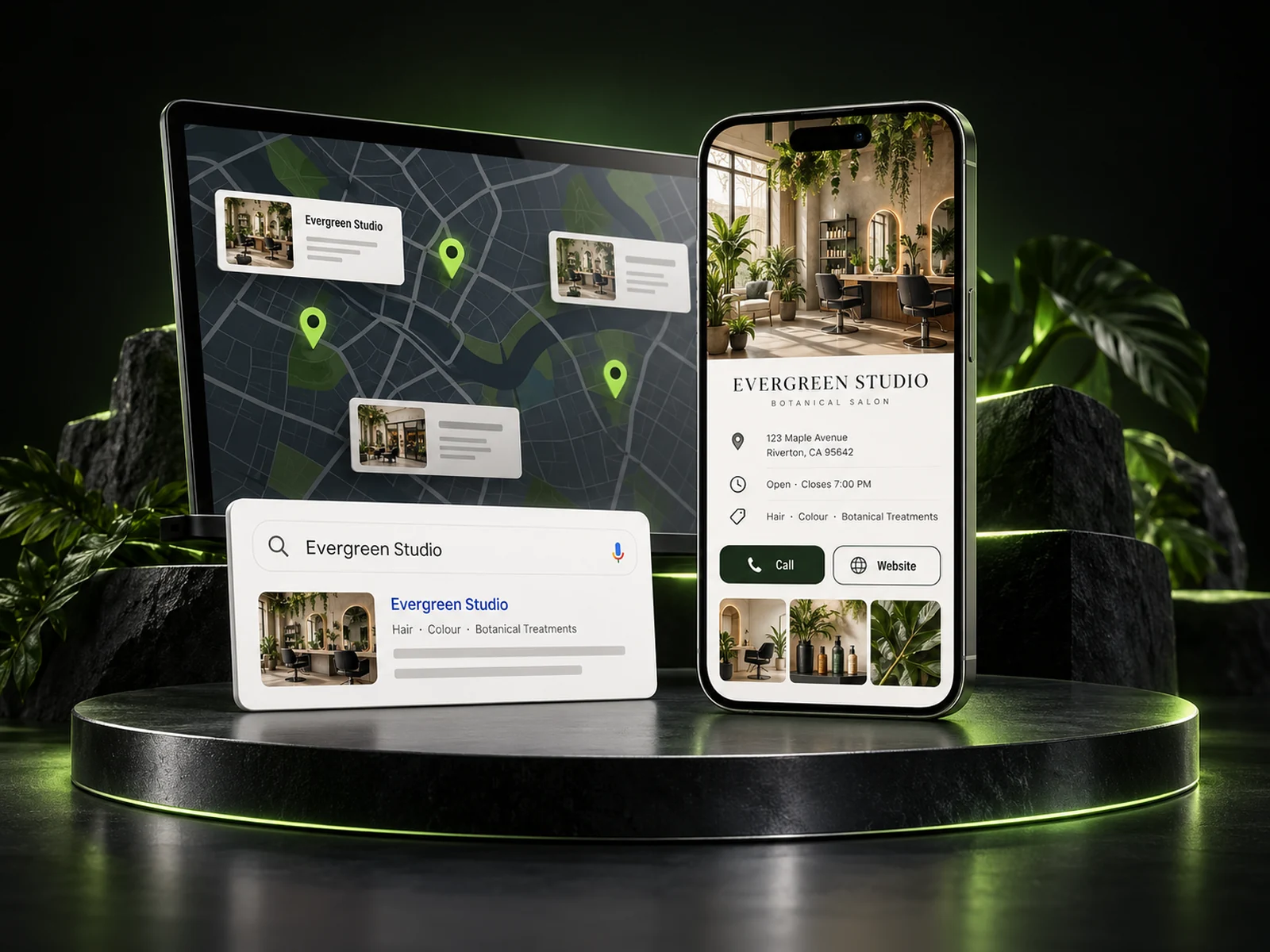
Give them the information they need to choose you. Bring your business details, services and website together so people can understand what you do, where you work and how to get in touch.
A customer shouldn’t have to work out which phone number, opening hours or business name is right.

Beauty studio · Your local area
Use the same core business information across your website and relevant listings. Give customers a dependable way to call, visit or enquire.
Give each part of your online presence a clear job, from discovery to the first conversation.
Bring your name, contact details, hours and service information into line across the profiles that matter to your business.
Name · Contact · HoursExplain the services you offer and the areas you genuinely serve with useful pages that answer customer questions.
Services · Areas · AnswersReview page structure, mobile usability, navigation and the essentials that help people understand and use your website.
Structure · Mobile · ClarityConnect helpful information with genuine customer feedback and an easy way to call, book or send an enquiry.
Reviews · Calls · EnquiriesA visible business needs a useful destination. Match your search presence with a website that explains the service, answers the obvious questions and makes the next step clear.
Explore modern website designYour profile and website explain who you are, what you offer and where you work.
Useful service details, relevant photos and genuine reviews help the customer make an informed decision.
A clear call, form or booking action starts the conversation. Connected enquiries can continue into Brandroof CRM.
Choose priorities around your business, your service area and the customers you want to reach.
Look at your existing profiles, website and business information to identify gaps and inconsistencies.
Define the relevant platforms, pages and improvements. Confirm access, responsibilities and the scope of work.
Update agreed details and improve the content and customer journey around your actual services.
Review changes in your business, keep information current and discuss the next improvements over time.
Visibility takes ongoing work. Priorities and results depend on your market, competition and starting point. We’ll keep the scope and next steps clear.
Show us your business, your website and the areas you serve. Let’s identify the next steps for your listings and local search presence.
Have something specific in mind? Talk to our team.
Listings are the business details customers see on maps and directories. SEO is the wider work of making your website useful, clear and accessible to search engines and visitors. They support the same goal: helping the right customers find and understand your business.
Yes. Start by showing us the profiles you already have and the details that need attention. Access, ownership and verification requirements vary by platform, so we confirm the next steps before making changes.
Your online presence should reflect how you actually operate. We can discuss your service area, website content and profile setup, including whether a public street address is appropriate for your business.
No. Search visibility depends on competition, location, relevance and many other factors. We focus on accurate information, useful content and a stronger customer experience. We do not promise a particular position or an immediate result.
The relevant platforms, listing coverage and any third-party costs depend on the agreed service and your business. We’ll clarify the scope, account access and any ongoing work before you get started.
Yes. We can discuss your service pages, mobile experience, calls to action and website structure as part of your growth plan. Website design, SEO work and ongoing support are scoped around what your business needs.
Connect your customers, conversations, marketing and payments in one practical business platform.