Book without the back-and-forth
Share your available times so customers can choose what suits them.
Let customers choose an available time, keep appointment details together and take the back-and-forth out of booking.
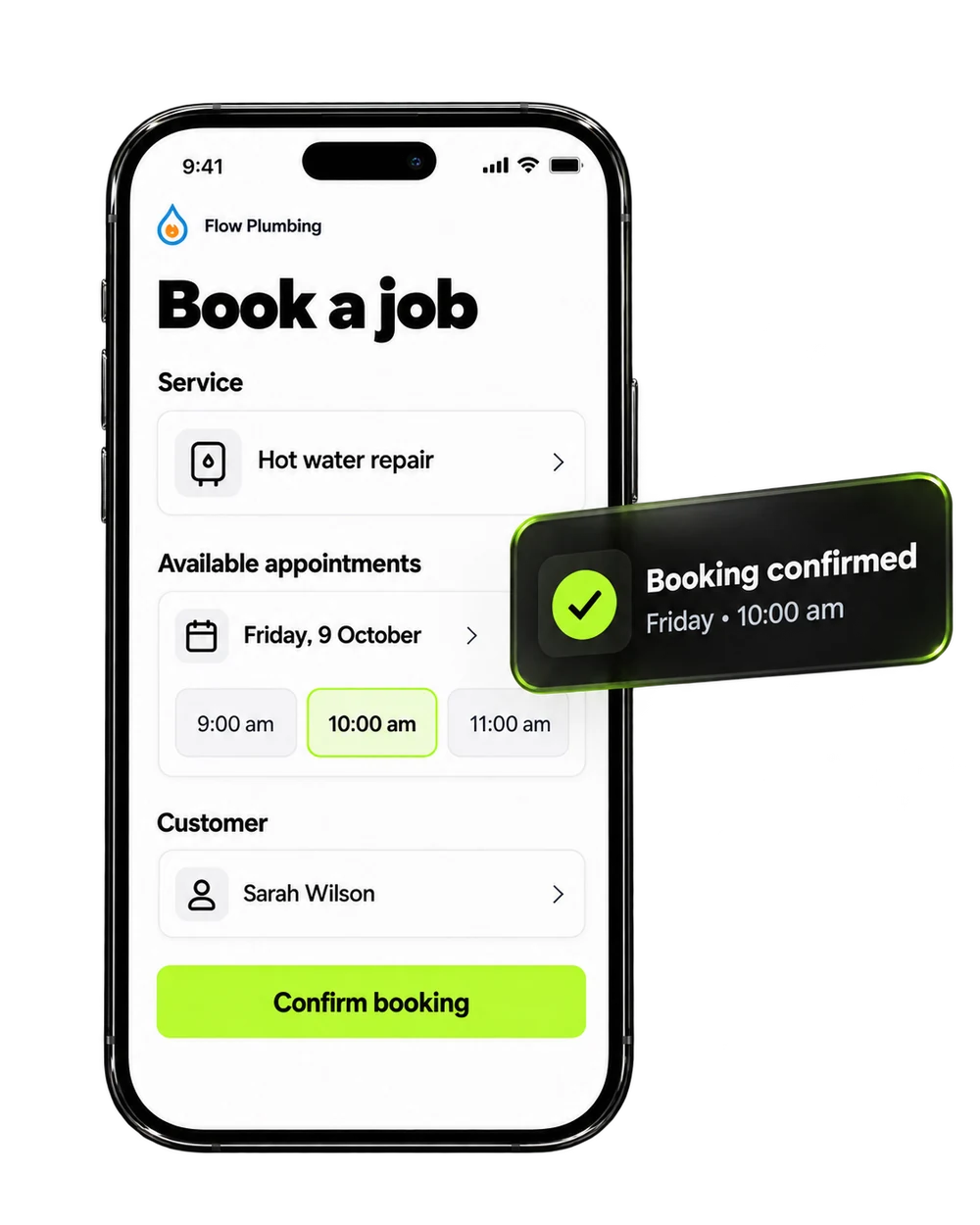
Give customers a simple way to book, and give your team the details they need before the visit.
Share your available times so customers can choose what suits them.
See upcoming appointments alongside customer details and the job conversation.
Set up confirmations and reminders with the right details at the right time.
A simple booking journey, from choosing a time to getting ready for the visit.
Sarah opens your booking link and chooses from the times you’ve made available for a hot water repair.
Friday at 10:00 am works for me.Illustrative example — availability, confirmations and reminders are configured for your business. This does not create a real booking.
Yes. Your booking link can stay available when your team is off the clock. Customers choose from the appointment times you make available.
Yes. Set your working hours, appointment types, buffers and team availability around the way your business works.
Yes. Share it on your website or in customer messages, so people have a clear next step when they’re ready to book.
Yes. Confirmation and reminder messages can be set up for your booking journey. The timing and wording are configured to suit your business.
Yes. Keep appointments linked to the customer record, with the relevant conversation and job details available to your team.
Yes. Organise booking calendars around the team members and appointment types your business needs.
Bring your bookings, customer details and reminders together with Brandroof.
Connect your customers, conversations, marketing and payments in one practical business platform.